
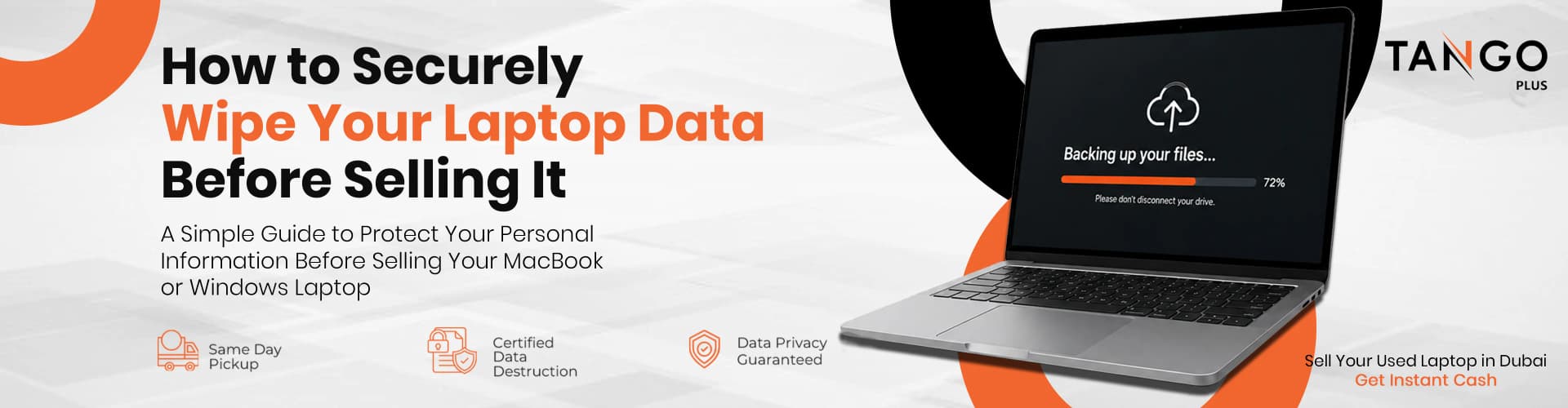
Selling your used laptop is a great way to put extra cash in your pocket. However, handing over a computer that hasn't been properly sanitized is a massive security risk. Simply deleting your files or emptying the recycle bin is not enough—savvy users can easily recover that data.
Here is exactly how to prepare your laptop for sale.
Step 1: Back Up Everything Important
Before you delete anything, ensure your data is safely backed up.
- For Mac Users: Use Time Machine with an external hard drive, or upload your critical files to iCloud.
- For Windows Users: Use OneDrive or simply drag your important folders onto a secure external USB drive.
Step 2: Sign Out of All Accounts
Do not skip this step. You must sign out of your core operating system accounts so the new owner isn't locked out.
- Mac: Sign out of iCloud, iMessage, and the App Store. Unpair any Bluetooth devices.
- Windows: Disconnect your Microsoft Account from the local user profile.
Step 3: Perform a Factory Reset
This is the most crucial step to wipe the drive.
- Mac: Go to System Settings > General > Transfer or Reset > Erase All Content and Settings.
- Windows: Go to Settings > System > Recovery > Reset this PC > Remove Everything.
The Ultimate Peace of Mind with Tango Buyback
Even after a factory reset, some users worry about hidden data fragments. When you sell your laptop to Tango Buyback in Dubai, you get guaranteed peace of mind. Every single MacBook, HP, Dell, or Lenovo laptop we purchase goes through a rigorous, certified, military-grade data wipe the moment it hits our facility.